

No TwitViewer Account Required
Use the basic viewer without creating a profile, submitting a social-media password, or completing a registration flow.
Open supported public profiles and posts from X (formerly Twitter) in a clean browser view. Enter a public @username or a supported X/Twitter profile or post URL to get started.
Public content only. Protected profiles, deleted posts, login-restricted material, and content unavailable from the source cannot be displayed.
TwitViewer is an independent, read-only web tool designed to make supported public X content easier to open and read. Instead of navigating a busy social feed, you can enter a public handle or direct link and focus on the profile or post you intended to view.
The service does not provide access to protected accounts or private information. Results depend on what is publicly available and technically accessible at the time of the request. TwitViewer is not affiliated with, endorsed by, or sponsored by X Corp.
Find the public X profile or post you want to open. Copy the @username, an x.com link, or a supported twitter.com link.
Enter the handle or URL in the viewer. Check the spelling and make sure the link points to public content.
Select “View Public Content.” If the source is available, TwitViewer presents the supported information in a clean, browser-friendly format.

Use the basic viewer without creating a profile, submitting a social-media password, or completing a registration flow.

Open the public profile or post you need without an algorithmic home feed or endless scrolling.

Use current mobile and desktop browsers without installing a separate application or extension.

The viewer does not unlock protected accounts, circumvent privacy settings, or recover removed posts.

Paste a supported X link received in a message, document, publication, or research note.
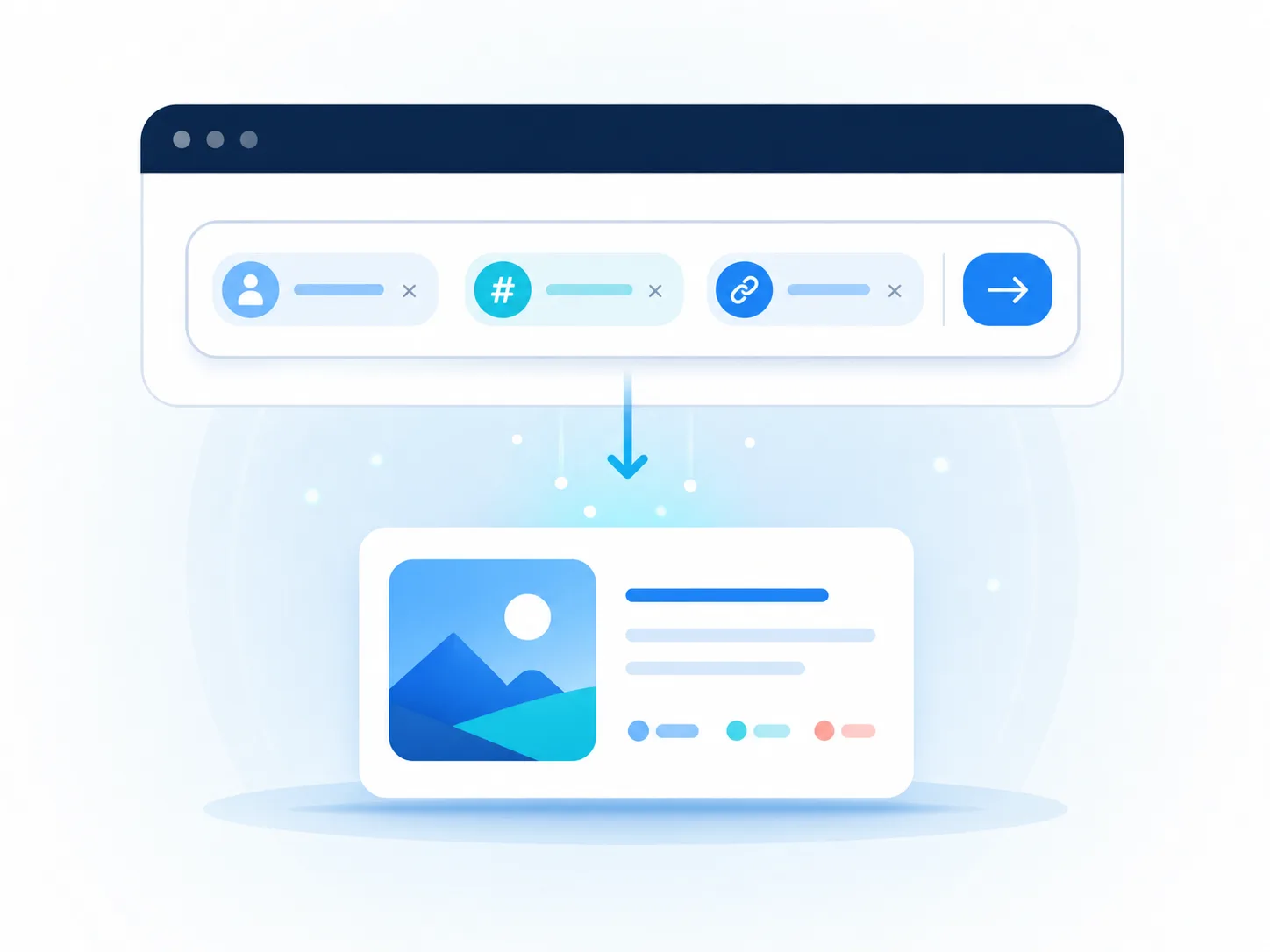
Use a public @username or direct post/profile URL with clear validation errors.

Open supported public profile information and available recent posts. Details depend on the source and may change.

Paste a direct post link to read supported text, date, attribution, metrics, and available media context.

Where supported, follow visible context around a public post. Some replies may be hidden, deleted, protected, or unavailable.

View images or media previews attached to a supported public post. Rights remain with their respective owners.

Quickly open a public link shared by a friend, publication, or colleague.

Review public posts as leads, then verify identity, dates, authenticity, and context.

Check public statements and campaign references without mixing the task into a personal feed.

Study public communication while practicing source evaluation, citation, and media literacy.
Public availability does not remove copyright, privacy, personality, contractual, or ethical obligations. Do not use TwitViewer to harass people, compile sensitive profiles, facilitate surveillance, infringe intellectual property, or republish material without permission. Preserve meaning, credit authors, link to original sources when practical, and consider whether content may have changed or been removed.
Read the public-post verification checklist →Learn how public X links work, why some posts are unavailable, and how to verify social-media sources.

People encounter X links everywhere: news reports, group chats, newsletters, search results, and research papers. If you only want to read one public post, creating or signing into an account can feel unnecessary. A web viewer can provide a simpler route, but it is important to understand what it can legitimately show.

A public profile can help you locate an organization’s statement, review a creator’s recent updates, or confirm the account behind a shared post. TwitViewer reduces the task to a direct lookup while keeping the limits of public information clear.

A link that worked yesterday may fail today. Most failures fall into a few categories, and identifying the category is faster than repeatedly pressing the view button.

Public posts are fast sources, not self-proving evidence. Before you quote one in an article, report, classroom assignment, or public statement, verify what it is and what it actually supports.
TwitViewer opens supported public profiles and posts without requiring you to sign in to X. Availability varies by source, region, technical conditions, and owner settings.
No. A legitimate viewer cannot unlock protected posts or bypass an account owner’s privacy settings.
No account is required for the basic viewer.
No. TwitViewer is independent and is not affiliated with, endorsed by, or sponsored by X Corp.
The URL may be incorrect, deleted, protected, suspended, age- or region-restricted, rate-limited, or temporarily unavailable at the source.
No. TwitViewer does not reveal a list of profile visitors.
Not absolutely. You may avoid signing in to X, but normal technical data such as IP addresses and security logs may still be processed.
Only when you have permission or another valid legal basis. Public visibility does not place content in the public domain.
Paste a supported public handle or link and view the available result in your browser.
Try TwitViewer