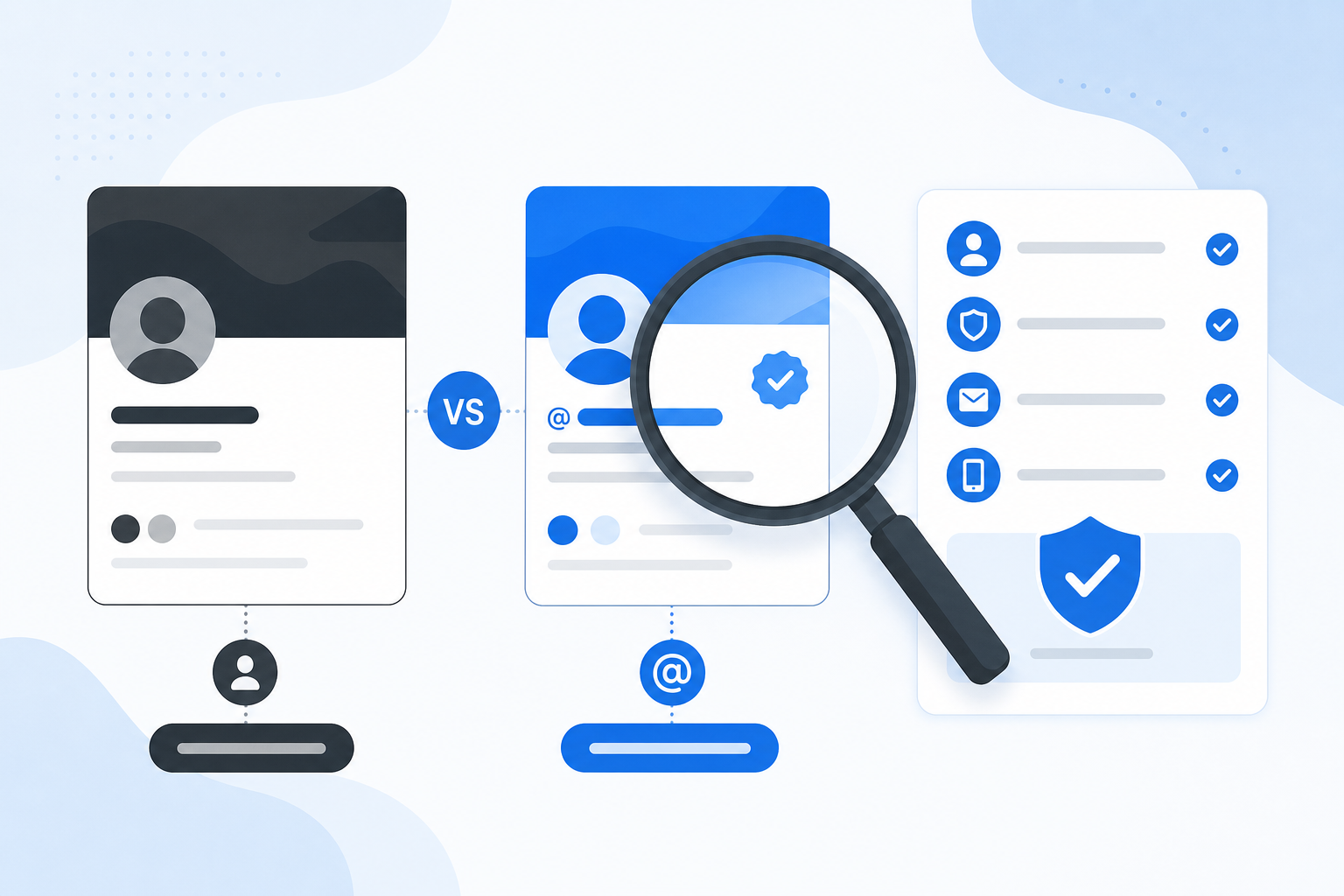
People encounter X links everywhere: news reports, group chats, newsletters, search results, and research papers. If you only want to read one public post, creating or signing into an account can feel unnecessary. A web viewer can provide a simpler route, but it is important to understand what it can legitimately show.
The Short Answer
To view supported public Twitter/X content without an account, copy the public profile or post URL, paste it into TwitViewer, and open the available result. You do not need an X login for the supported viewer flow. The content must still be public and technically available.
Step 1: Identify the Link
A profile link normally ends with a handle, while an individual post URL includes a status identifier. Both x.com and older twitter.com links may circulate. Avoid shortened or unfamiliar links when you cannot confirm their destination.
Step 2: Use a Public-Content Viewer
Open TwitViewer, paste the URL or enter the public @username, and select the view button. A legitimate tool should never ask for your X password to display public content. If a site asks you to complete suspicious surveys, install unknown software, or provide authentication tokens, leave it.
Start with the TwitViewer homepage to open a supported public handle or URL.
Step 3: Check the Result and Its Context
Confirm the author handle, publication date, full text, and whether the post is a reply or part of a thread. A screenshot or isolated sentence can remove crucial context. For consequential claims, follow the link to the source when possible and compare other reliable evidence.
What You Cannot View
A public viewer cannot legitimately reveal posts from a protected account, direct messages, private bookmarks, hidden visitor lists, or material removed from the source. Some public content may also be unavailable because of age or regional restrictions, account suspension, deletion, technical changes, or rate limits.
Does No Login Mean Anonymous?
It means you are not signing into X for that request. It does not mean no technical data exists. The viewer, hosting and security providers, embedded services, your internet provider, and your browser may process technical information. Review the site’s Privacy Policy instead of relying on absolute anonymity claims.
Learn more about what anonymous viewing really means.
A Responsible Browsing Checklist
• Use only public links you are entitled to access. • Do not attempt to bypass privacy or access controls. • Verify authorship, date, edits, and surrounding thread. • Do not assume public visibility grants permission to republish. • Avoid collecting sensitive information about individuals at scale. • Respect removal, correction, and safety concerns.
Final Takeaway
Viewing a supported public X link without an account can be quick and useful. The boundary is equally simple: a viewer should make public material easier to read, not make private material public.