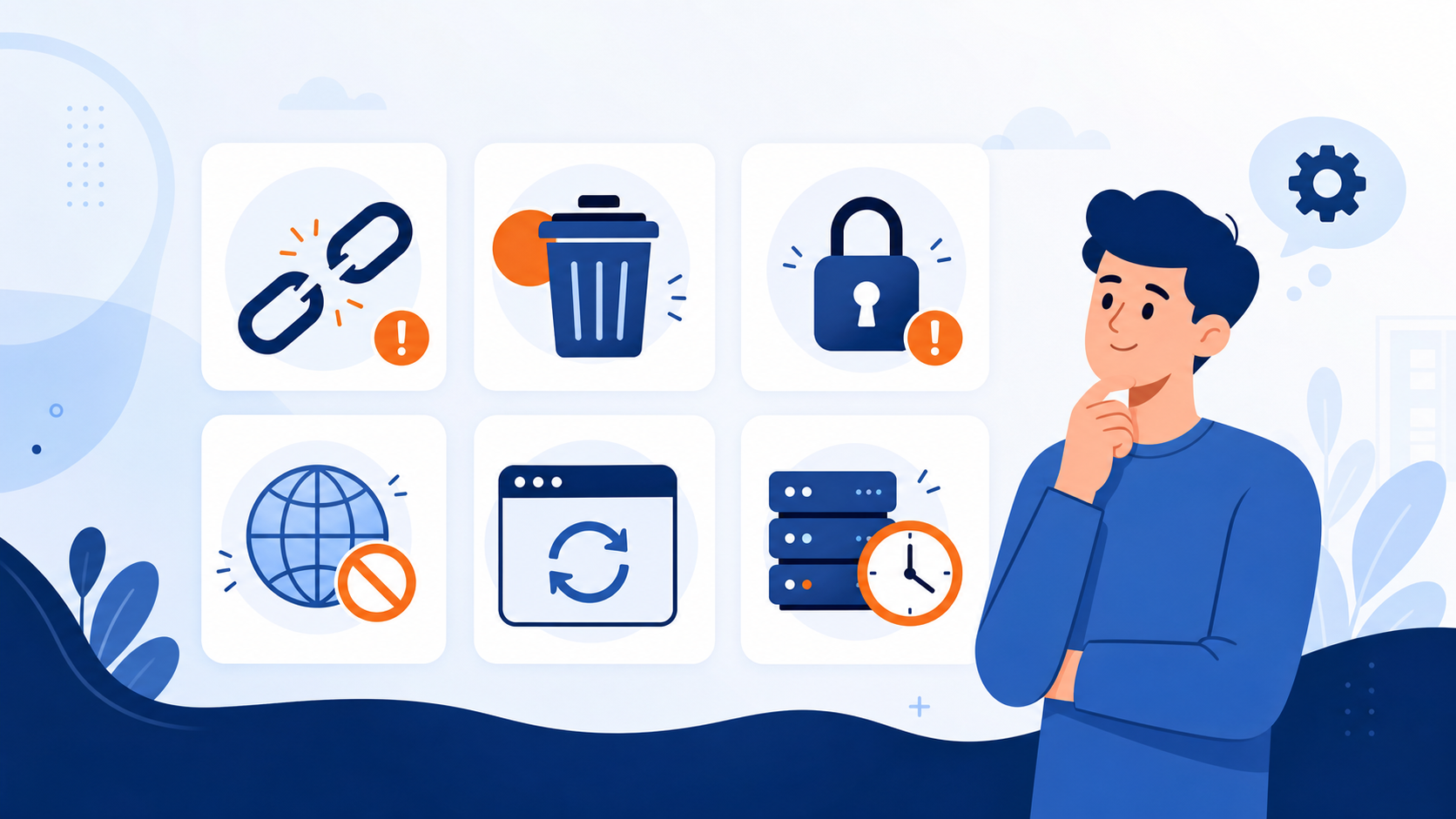
A link that worked yesterday may fail today. Most failures fall into a few categories, and identifying the category is faster than repeatedly pressing the view button.
1. The URL Was Copied Incorrectly
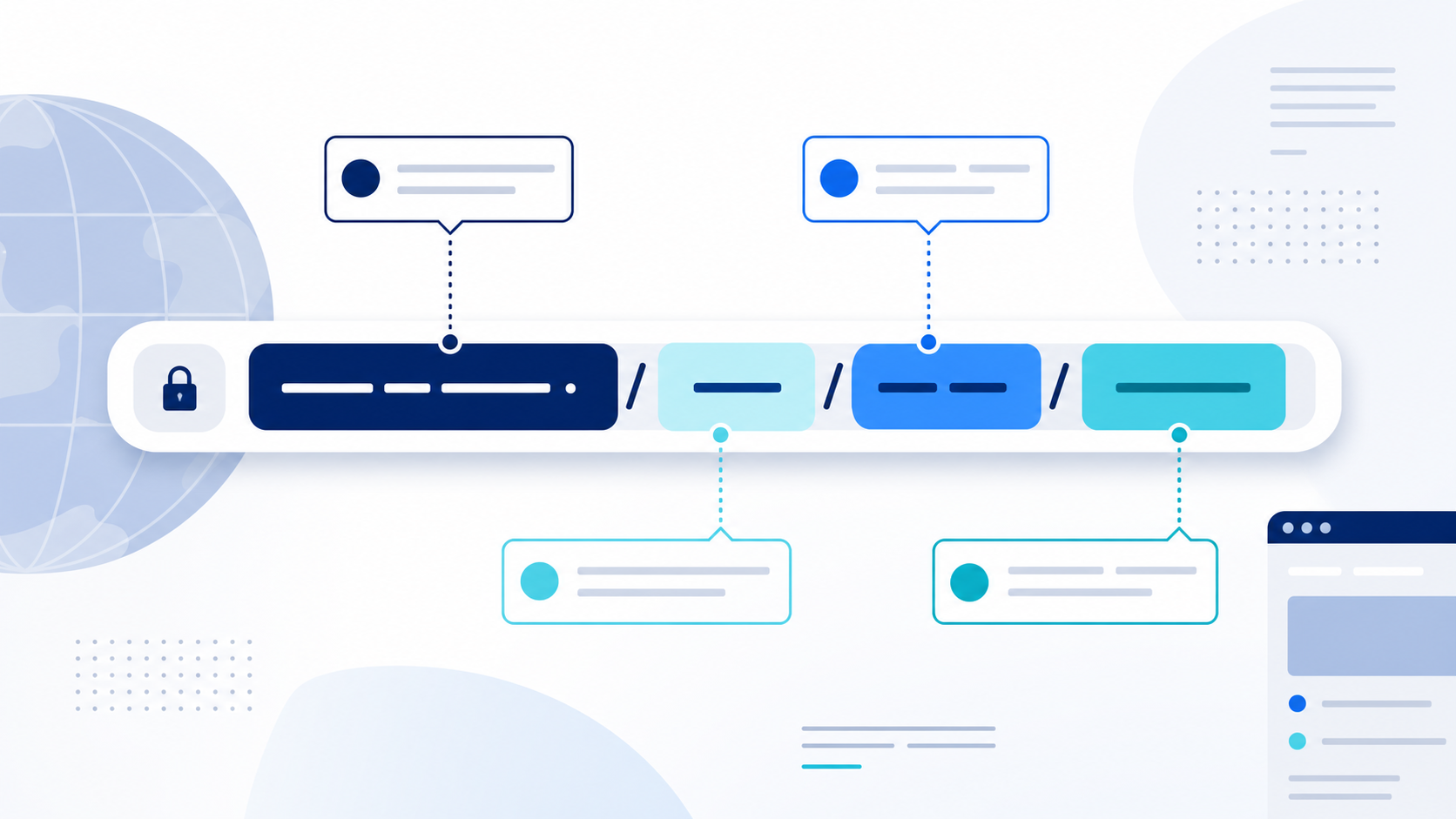
Messages and documents can add punctuation, cut off part of a URL, or wrap it across lines. Copy the address again. A direct post link usually includes /status/ followed by a numeric identifier.
2. The Post Was Deleted
Authors can remove posts. Once the source no longer makes a post public, TwitViewer may be unable to display it. A search snippet or screenshot elsewhere does not guarantee the original remains available.
3. The Account Is Protected, Suspended, or Gone
Protected posts are not public. Suspended, deactivated, or deleted accounts may also make previous links unavailable. TwitViewer cannot and should not bypass these states.
4. Age or Regional Restrictions Apply
Some material is unavailable in particular countries or requires age confirmation. A viewer cannot promise access across every jurisdiction or setting.
5. The Source or Viewer Is Temporarily Unavailable
Platform changes, rate limits, network failures, maintenance, or overloaded infrastructure can interrupt an otherwise valid request. Wait briefly and try once more. Repeated automated requests may extend a rate limit.
6. Browser Settings Are Interfering
Strict tracking protection, script blockers, disabled JavaScript, stale cache, or a corporate network filter can affect results. Try a current browser, reload the page, and check whether essential scripts are permitted. Do not disable security protections globally for an unfamiliar site.
Safe Troubleshooting Order
1. Recopy the public URL. 2. Confirm that it points to the expected domain and post. 3. Check whether the account is public. 4. Reload TwitViewer once. 5. Try a current browser or network if appropriate. 6. Wait and retry later. 7. Report a persistent error without sending passwords or tokens.
After these checks, try the public X viewer again.
What Not to Do
Do not install unknown extensions, pay a service that promises access to a protected profile, provide your X password, or paste session cookies into a third-party form. These are serious warning signs.
Conclusion
An unavailable link usually reflects a malformed address, changed privacy state, removal, restriction, or temporary technical issue. Clear limits are a feature: a trustworthy viewer should fail safely when content is not public.